
How to Use the General Version Automatic Tire Deflator
Got your new General Version tire deflators but aren't sure how to adjust or preset them to the tire pressure you want?
VTONSPORTS' General Version deflators are preset at 20 PSI from the factory - fine for fire roads, but too high for deep sand or serious rock-crawling. Here's how to re-preset them to a lower pressure (e.g. 10 PSI) before you head out.
6 Steps to Preset Your General Version Tire Deflator
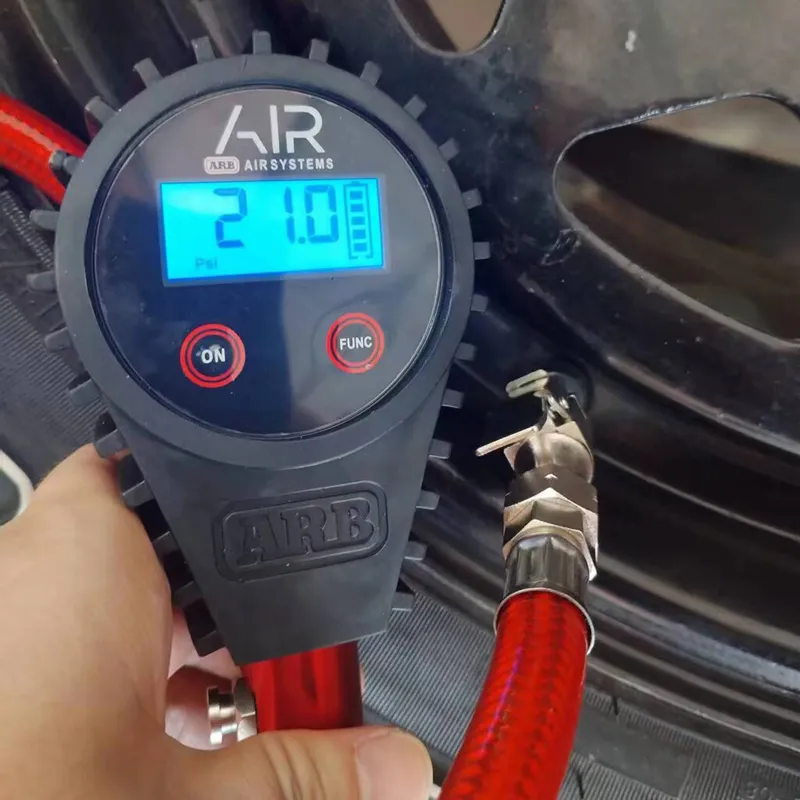
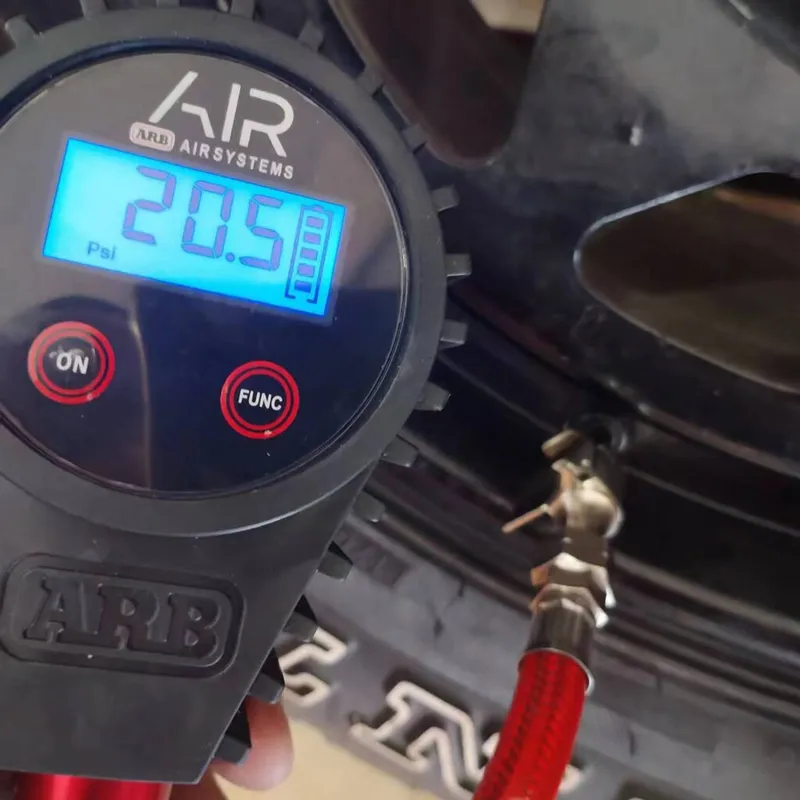
- Manually deflate a tire to just above your desired PSI (+0.5 to +1 PSI). For example, air down to 20.5-21 PSI if your target is 20 PSI.
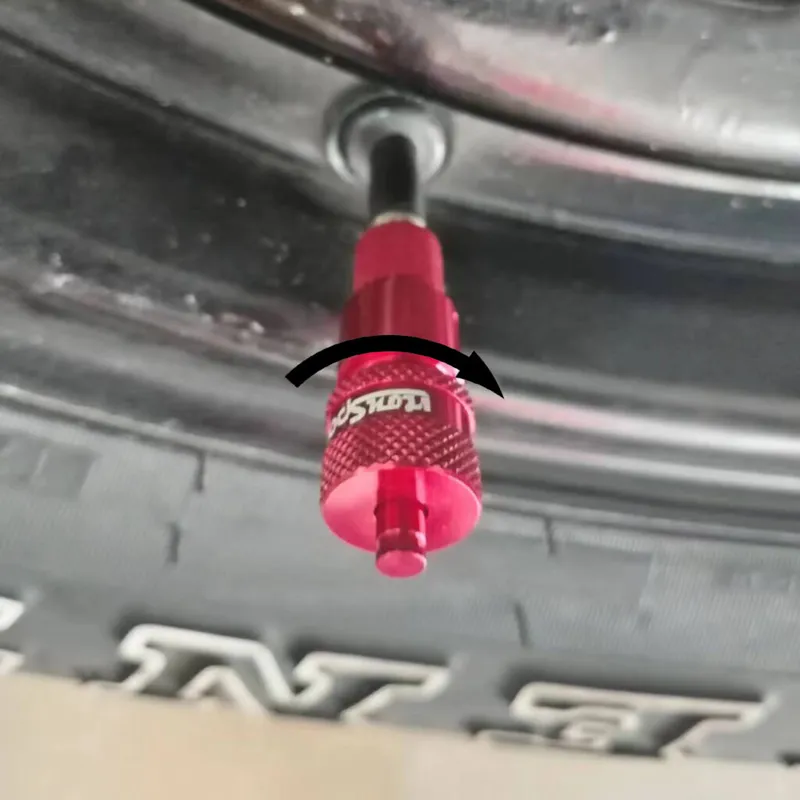
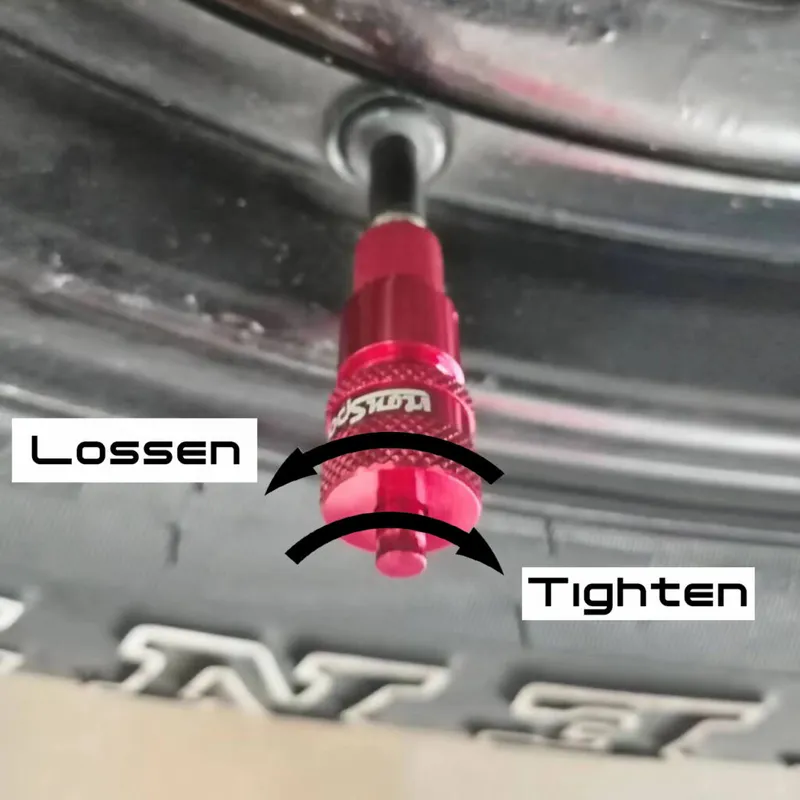
- Turn the locking ring and adjusting cap all the way down (clockwise), then screw the deflator onto the valve stem of the tire you just deflated. Make sure the valve stem threads are clean and in good condition.
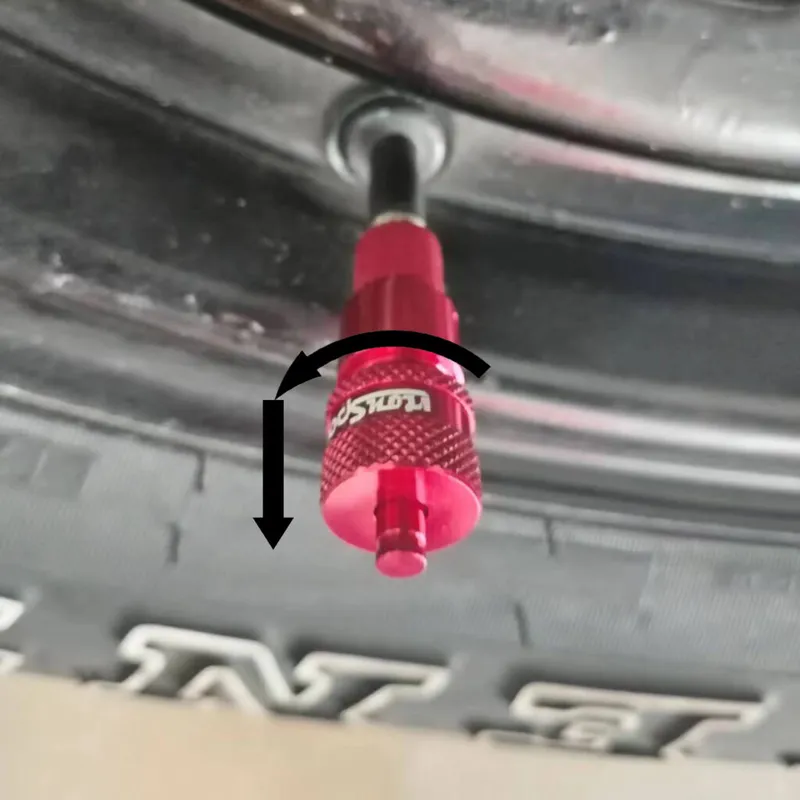
- Loosen the adjusting cap (counterclockwise) until the deflator opens and you hear air escaping, then immediately tighten the adjusting cap (clockwise) until you hear a 'pa' sound and the airflow stops.
- Turn the locking ring up against the adjusting cap and tighten it. Repeat steps 1-4 for the rest of your deflators.
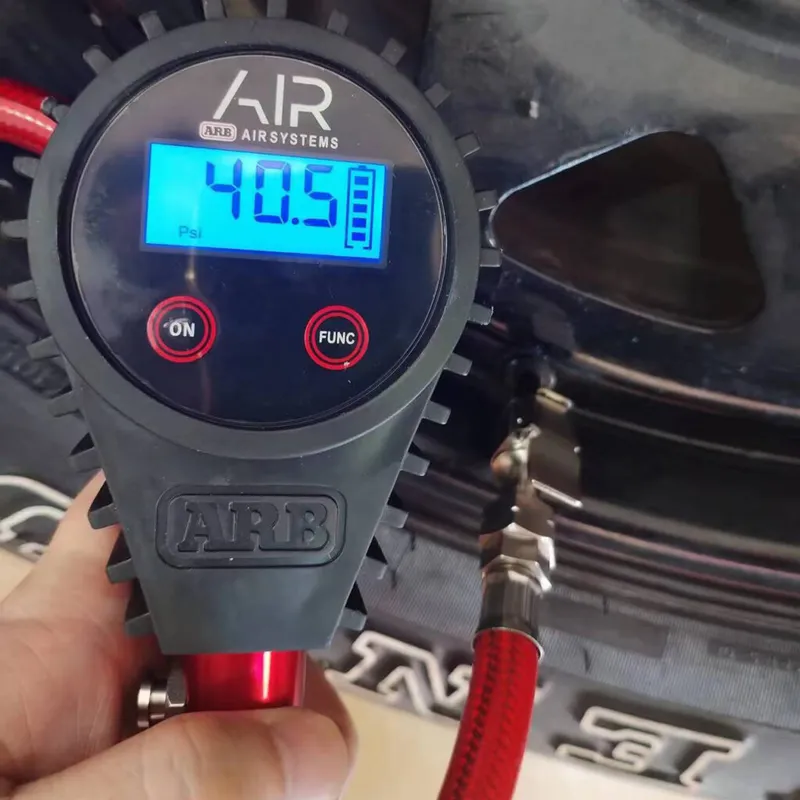
- Once presetting is done, check the accuracy: air your tire up at least 10 PSI above the preset pressure (e.g. 30-40 PSI), screw on the deflator, and wait until it stops.
- Remove the deflator and check the tire's PSI to confirm it matches what you expected. Make small adjustments if needed - results are normally within ±1-2 PSI of your target. For example, if you end up at 23 PSI, try setting your initial deflation 3 PSI lower next time (21 PSI - 3 PSI = 18 PSI). Repeat for the other three deflators, and don't forget to air your tire back up afterward.
Videos
The video below walks through presetting and using the General Version tire deflator step by step.